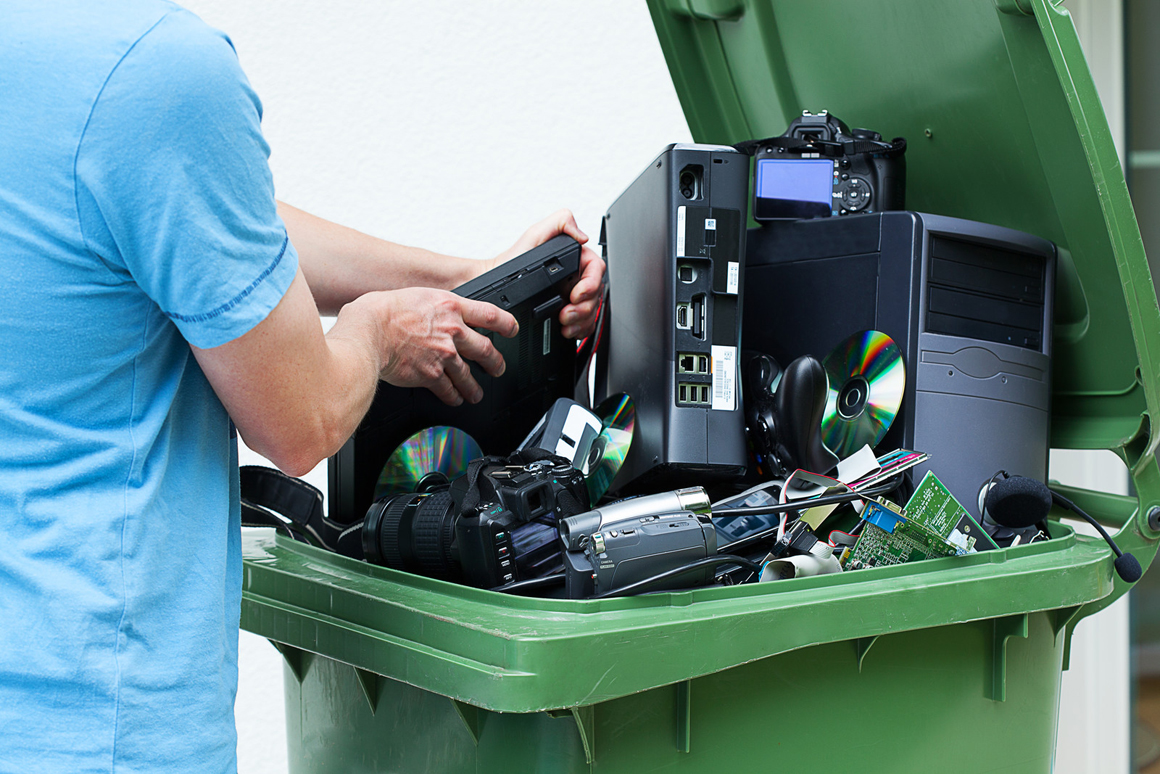
As a doctor, you know that your patients’ information is protected under the HIPAA Security rule. However, what many do not know, is how easy it is to fall foul of this rule by disposing of computers and other electronic equipment, improperly.
Did you know that photocopiers, fax machines and scanners have a hard disk? So when you return one to the leasing agent, sell it, donate it or dump it, unless you wipe the disk, you may be violating HIPAA. That’s just one crazy way you can violate HIPAA without even knowing it. So if you’re planning to pass on your smartphone or the tablet you use for work, to you kids, think again unless you’ve scrubbed it clean. The same goes for memory sticks, digital cameras etc..
Fined for improper photocopier disposal!
You don’t need reminding of the consequential penalties that can leave your practice on its knees. Case in point, back in August 2013 Affinity Health Point was fined for returning a leased photocopier without properly disposing of confidential patient information on the copier’s hard drive; This oversight was deemed ‘willful neglect’, and it cost them $1.2M. Insane, right?
Don’t panic though, its easy to prevent this type of blunder, when you have a plan! Here are 6 tactics proven to help medical practices comply with proper use and disposal of electronic equipment containing ePHI data, and to stay off OCR’s radar.
#1 Set Administrative Safeguards
Setting administrative safeguards is a HIPAA security rule requirement anyway, but many don’t put it to good use. Your practice definitely has many devices used to store confidential patient information; they keep making new ones each day, and they can easily get introduced into the workflow without your knowledge. They include;
Laptops
Computers
Tablets
Smartphones
USB “thumb” drives
External storage devices
All mobile devices
Medical devices
The fax machine and photocopiers equally need to be safeguarded with strong pass codes to restrict access to the ePHI data.
Beyond securing these devices to keep out “peeping Toms”, if you want to avoid improper disposal you need additional administrative safeguards. First you must take stock of what equipment is being used that could possibly store ePHI information. Second, you must maintain that list regularly, so nothing is taken out of service without going through a formal disposal process. Third, you must implement a formal disposal process, through which the device is cleansed of any ePHI, and this event and the disposal method (e.g. destroyed, returned, sold, passed down etc.) is logged.
For these administrative safeguards to work, staff need to be educated on the policy, regularly, along with training on all other security matters. Set reminders in your calendar to update equipment inventory at least quarterly; don’t rely solely on your memory we’re all quite forgetful at times, aren’t we?
# 2 Implement Mobile Device Management
The Mayo Clinic Phoenix Hospital came into the spotlight when inappropriately taken photos of a patient went viral. You can imagine the disgust and breach of privacy the victim had to deal with!
The hospital was left with no choice but to let go the Chief Resident of General Surgery, Dr. Adam Hansen. Your practice’s prosperity is pegged directly on how much patients trust you with their health details.
In another case Cancer Care Group in Indiana was legally coerced into paying a HIPAA settlement amounting to $750,000. This was after a laptop containing PHI went missing from an employee’s car. The unencrypted media was easily accessed and used inappropriately.
With smartphones and tablets getting used more and more in patient care, you are increasingly vulnerable to breaches as a result of theft. While this is not strictly a case of device disposal, the same mitigation strategies apply. In the event of a mobile device falling into the wrong hands, it’s important to have a mobile device management solution that has the ability to wipe and lock, lost or stolen devices.
# 3 Moving All Servers to a Co-Location Facility
As much as you might be tempted to have your server within your facility, it’s a recipe for disaster. It requires that you have physical security safeguards and an equally secure disaster recovery plan. If there was ever a compelling reason to move all your ePHI data to a secured data center, or the cloud – this is such a case.
When you house your servers at a colocation facility, you benefit from;
- Higher reliability – In colocation facilities you can expect high availability and redundancy options. It is in their best interest to keep your servers up and running;
-Optimum security – Already, collocations hold millions of dollars worth of hardware; surely, their security must be worthy of all that risk! - -Compliance – Most collocation facilities are Safe Habor, PCI, and HIPAA certified.
- -Controlled environment – Just like you need life’s basic necessities to lead a productive life, computers too need an optimum environment to perform excellently, that’s what they get in a data center.
# 4 Move Backup Storage to the Cloud
This is a no-brainer. Managing on-site and off-site physical backup on external storage devices – and not making a mess of it – takes tremendous discipline, not to mention more physical security. Quite frankly, we live in an age that has surpassed hardware storage of crucial information; it is no longer safe. It just doesn’t make sense anymore when you can setup schedules and backup everything to the Cloud on autopilot. If you factor in your time costs, the economic case for Cloud backup is equally cut and dried.
Additionally, if all your ePHI data has been encrypted in the Cloud, you won’t have to worry about notifying your clients in the unlikely event of a breach. Encryption ensures only authorized personnel with the correct keys can access these confidential records.
However, when the keys for the decryption are stored in the same device and facility housing the encrypted ePHI, the data is at risk. HIPAA will require you to send out notifications to your clients without exemption. Before making that costly mistake, ask your encryption vendor to store the Key separately.
You might have caught wind of the Hollywood Presbyterian Medical Center (HPMC) case in February 2016 where criminals held the facility ransom. Cyber criminals are as real as they come, with a never ending appetite for your hard-earned money; don’t let them extort you that easily. For HPMC, the hospital management had to cough up $17,000 to have their data and systems restored.
# 5 Securing and Cleansing Copiers and Printers
Fax machines, copiers and printers must be maintained and secured in line with HIPAA standards. They present a big threat to your practice! To ensure their HIPAA compliance, you should;
-Secure the physical location – Their physical location should restrict use to authorized personnel only. Any PHI documents should never be left unattended;
-Conduct user audits and authentication – To protect health information, ensure these workstation controlling such equipment are also password protected. Any unattended workstation should automatically log-off as an added precaution;
-Remove hard drives- Before returning these machines to the leasing agents, ensure that their hard drives are removed and degaussed appropriately;
-Encrypt and remove data – All PHI data stored in printer and scanner hard drives should be SSL (Secure Socket Layer) encrypted. The copier memory should be erased alongside the drive.
# 6 If in Doubt, let the Professionals do it.
If in doubt about dealing with these things yourself, there are numerous HIPAA-compliant PC and computer equipment disposal firms that specialize in purging data from electronic equipment and will provide documented proof that they did. They will also resell the equipment for you after that to offset the costs, or net a credit.
HIPAA requirements for proper disposal of equipment containing ePHI are clear, and easy to comply with, provided you have a good handle on what equipment is used to store ePHI. Now you know, there’s no excuse. Step 1 go update your inventory of devices!